Choose where your MAM runs, where your media stays, and who does the work of keeping both reliable.
Your editors have a fast NAS. Your producers work from three cities. The archive is spread across cloud buckets and a shelf of old drives. And the first thing every MAM sales conversation asks you is: cloud or on-premises?
It sounds like one question. It’s actually three, and I’ve watched a lot of teams get into trouble by answering them as one.
The short answer: Don’t choose a label. Decide separately where the MAM application runs, where your media lives, and who does the work of keeping it all reliable. Cloud suits teams that want less to run and broad remote access. On-premises suits local control. Hybrid suits work that spans both, as long as someone owns the handoffs. And no cloud MAM should force you to move every original into the cloud.
Three decisions, not one label
- Where the application runs. The catalog, search, interface and workflows.
- Where the media lives. Originals, proxies, projects and archive.
- Who owns the work. Updates, backups, access, failures, and the constant drift of files being added, renamed and moved outside the MAM.
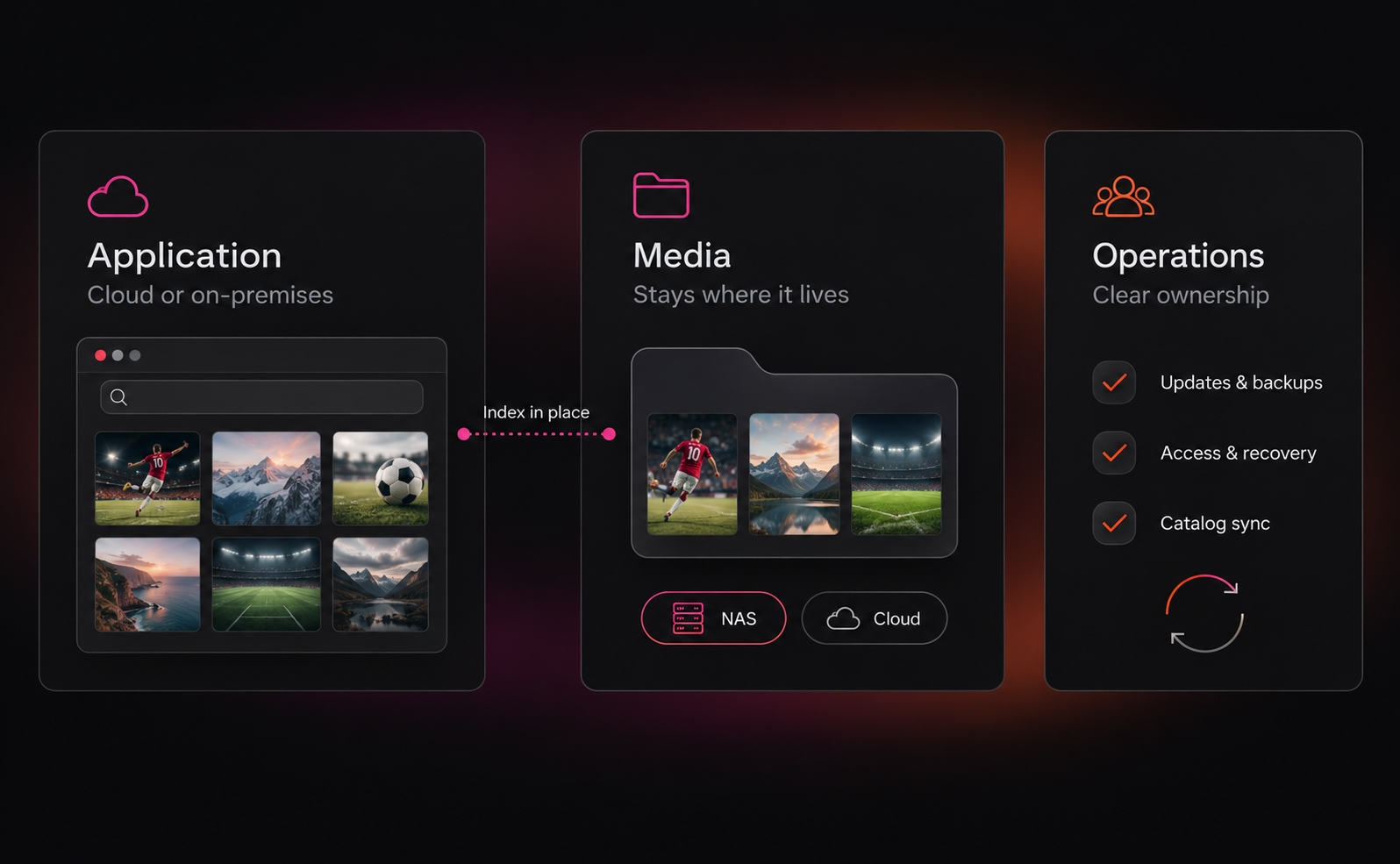
These combine more freely than the labels suggest. A cloud application can index originals that never leave your NAS. If a vendor can’t draw you the real arrangement, connectors and all, keep asking. For concrete examples, see our comparison of how six MAM platforms handle existing storage.
The third decision is the one most comparisons skip, and it’s where the old way of buying a MAM hurts most. You migrated everything into the vendor’s storage before go-live, then your team spent years keeping the catalog in step with reality. That’s why deployments took so long, and why early enthusiasm faded before anyone saw value. (If you’re weighing storage tiers rather than deployment, our media asset management storage guide covers that.)
Cloud, on-premises or hybrid: my view on each

Cloud takes infrastructure off your plate, but you’re now depending on the connection and on the provider’s commercial model. This industry has earned its reputation for surprise AI bills and renewal jumps. Get every recurring charge in writing.
On-premises gives you control, but it isn’t automatically secure or offline-ready; plenty of local systems still call out for licensing, identity or AI. And if it only works while one particular engineer is in the office, you haven’t solved the deployment yet.Hybrid is where most media teams end up. Picture a sports team: match originals near the edit suites, remote staff on proxies, older seasons in an archive. It only works if the system keeps all three usable without anyone memorizing the storage map.
Test the work, not the demo
- A smooth browser demo proves very little. One hour of 1080p ProRes 422 HQ is about 99 GB; the same hour as ProRes Proxy is about 20 GB, according to Apple. A remote editor pulling ten hours of masters moves close to a terabyte. So test your codecs, your projects and your real connections, and time the tasks that matter: find the shot, start the edit, get the original, deliver. Use our media asset management requirements checklist to turn those tasks into questions every vendor must answer
- Watch adoption, too. If the governed route is slower than copying files to a shared drive, people will copy files to a shared drive. The easier route has to be the governed one.
- Security is the same. As AWS puts it, cloud security is a shared responsibility, so neither “it’s in the cloud” nor “it’s behind our firewall” tells you who manages access, encryption and recovery.
Where cost really hides
None of the three models is automatically cheapest. Two things move the number more than the hosting label: whether you have to migrate everything before you get value, and whether AI indexing is all-or-nothing. Paying to index an entire archive when only part of it will ever be searched is one of the fastest ways to blow a budget. Ask for a three-year model with every assumption visible, and a clean way out if you ever leave.
Where Evolphin X fits
We built Evolphin X so these three decisions stay separate.
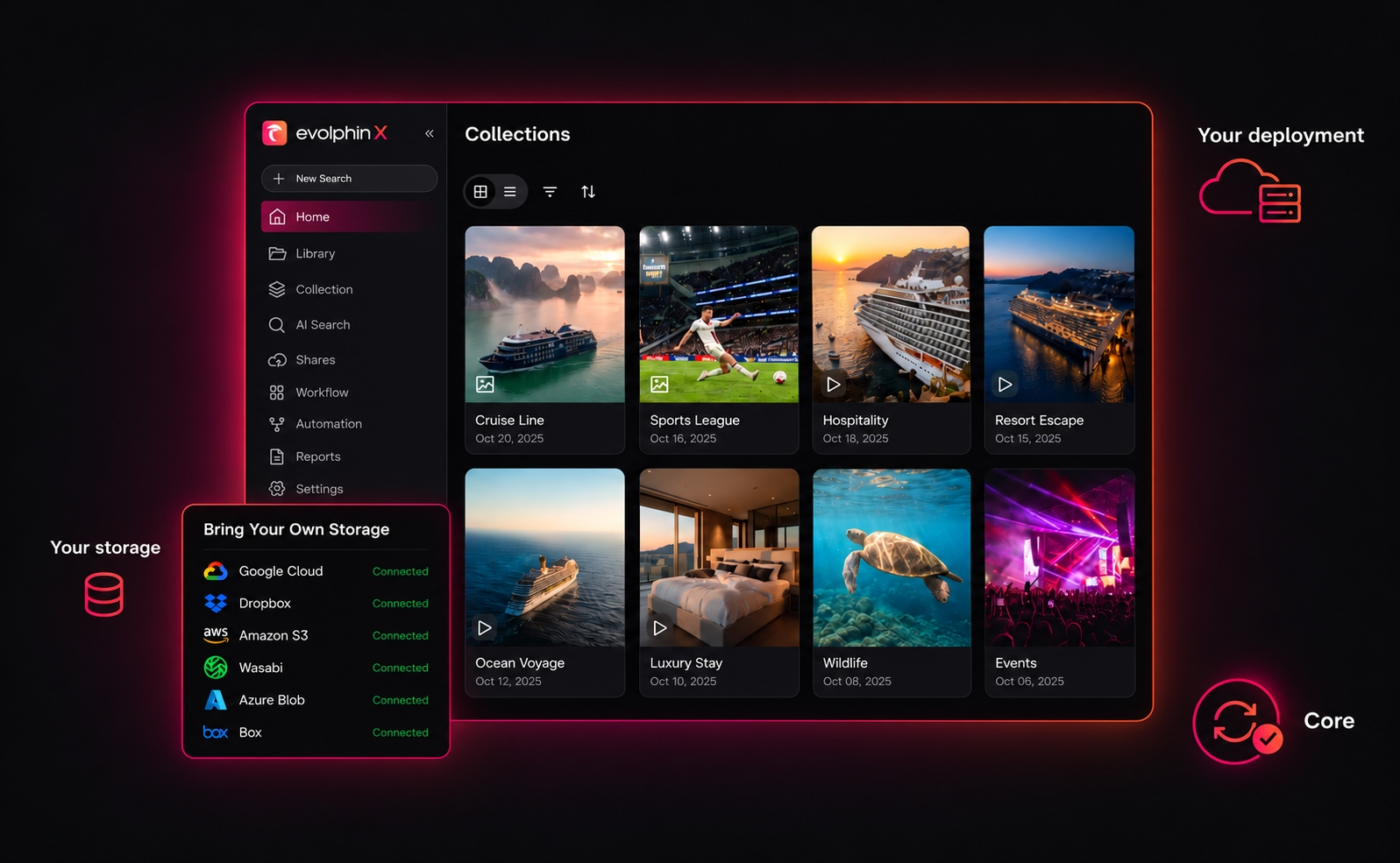
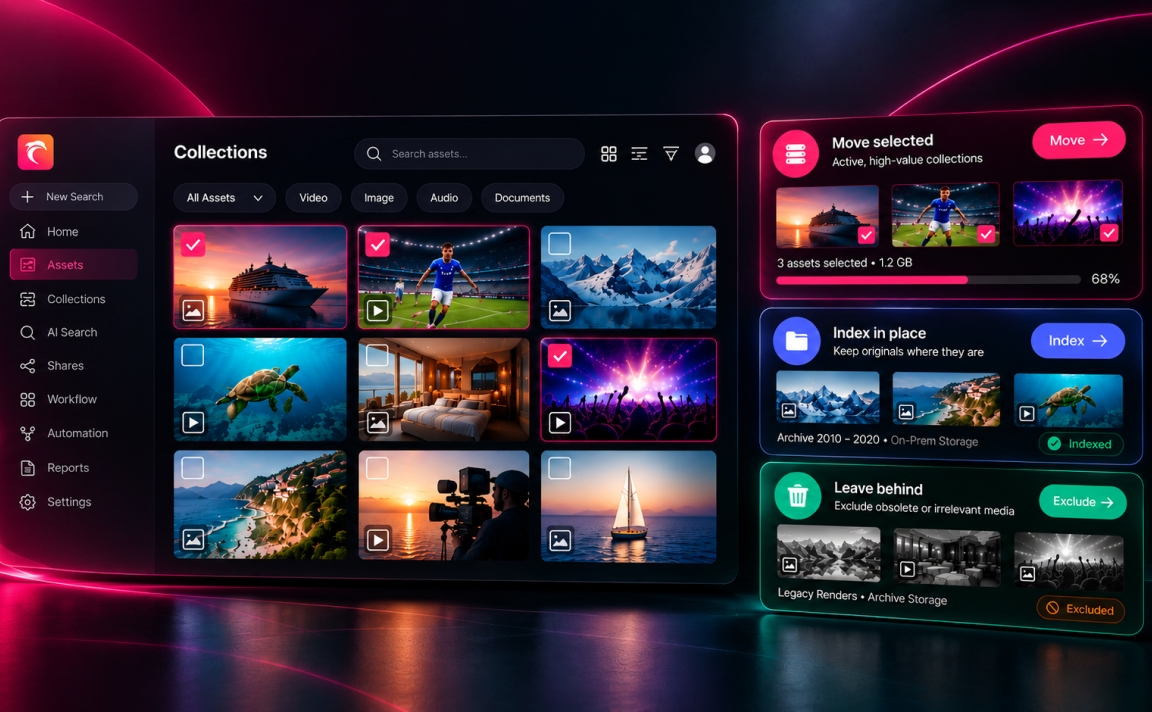
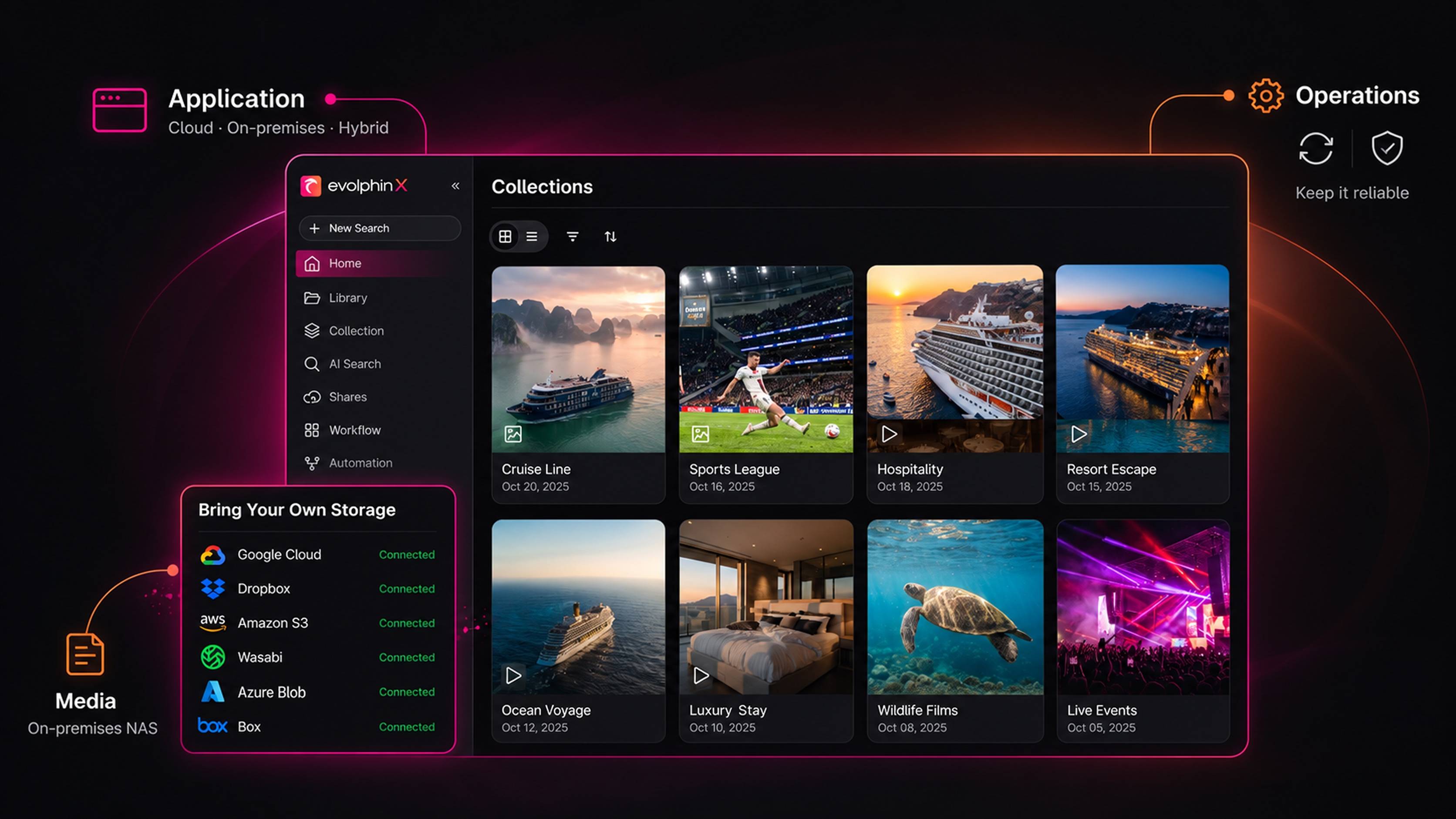
Your media stays where it lives. Index in Place connects to the storage you already own (Amazon S3, Azure Blob, Wasabi, Box or on-premises NAS), indexes it with AI and keeps the catalog in step as files change. With no mass migration, time to value is days to weeks.
The application runs where it suits you: a fully managed, single-tenant cloud service, or on-premises and hybrid setups.
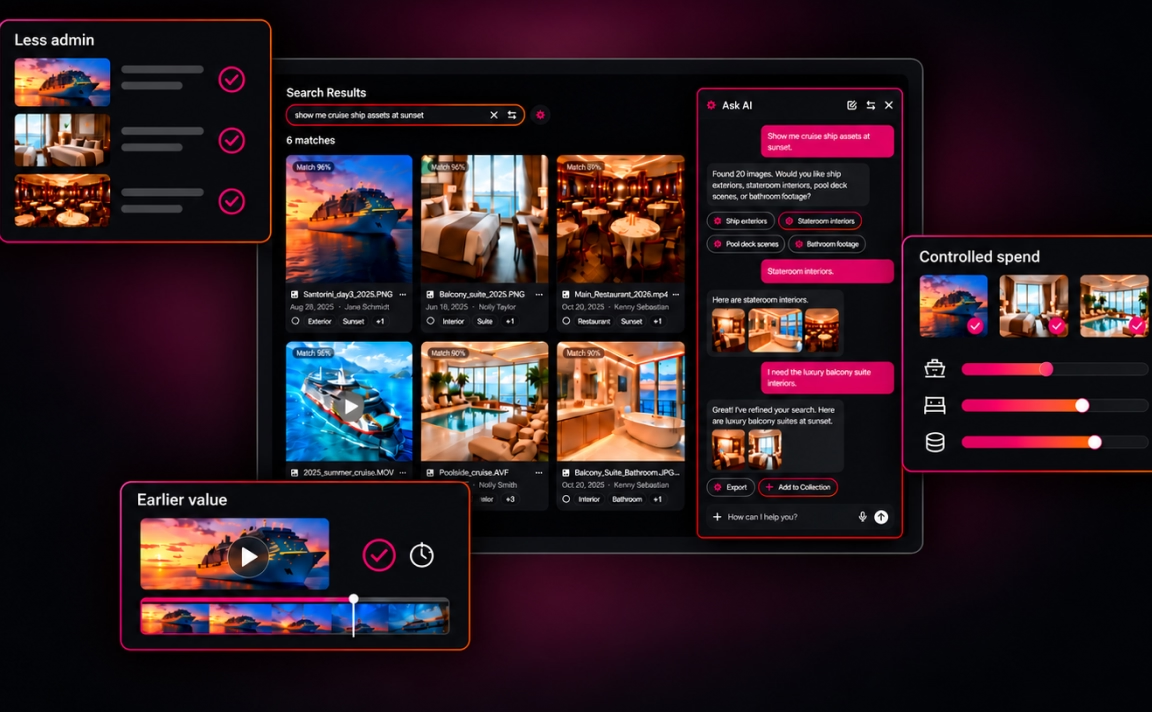
And more of the ownership work is done by the system. Core, the engine every deployment runs on, reconciles your storage on a schedule, reports missing originals and warns you about cost before a bulk AI job runs. We’re still improving both, but that’s work that used to land on a person. AI indexing is already selective, and in early 2027 it gets far more granular: a single file, a file type, or your own include-and-exclude rules.
Editors stay in Premiere Pro and After Effects, and the open Core API connects everything else.
Don’t take my word for any of it. Test it on your own media.
Bring us your storage map
Bring a sketch of where your media lives, a sample of it, and one task your editor has to finish. We’ll run Evolphin X against it on your own files. Email me at brian@evolphin.com.
Brian